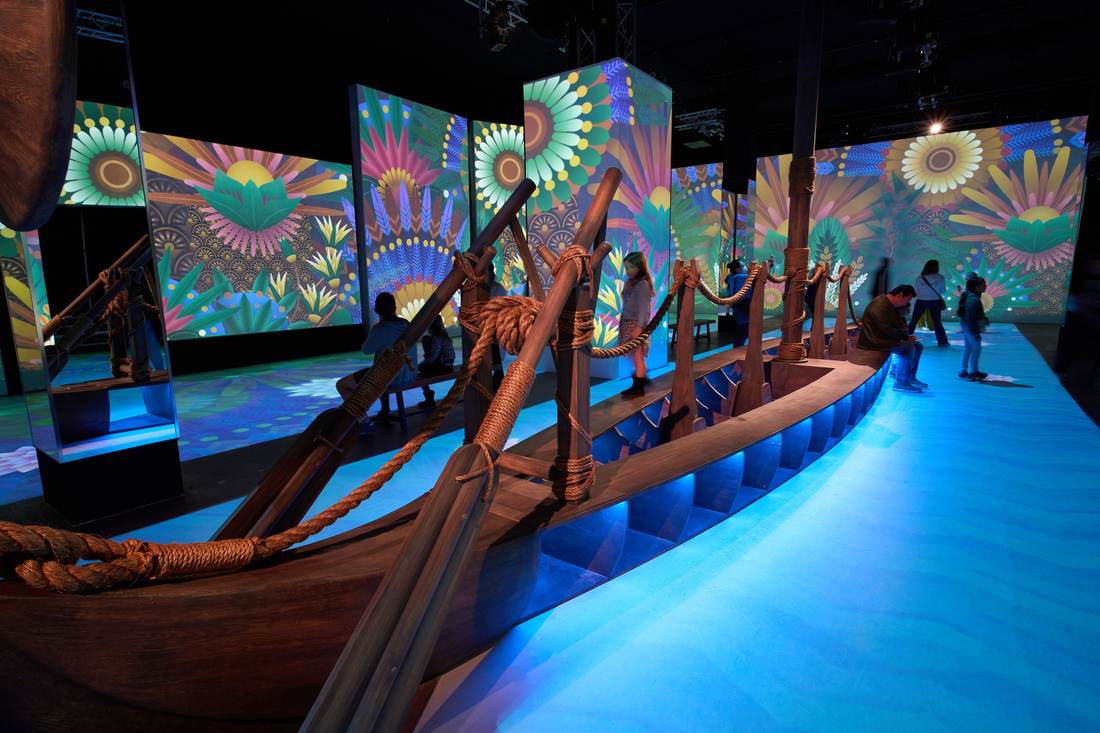
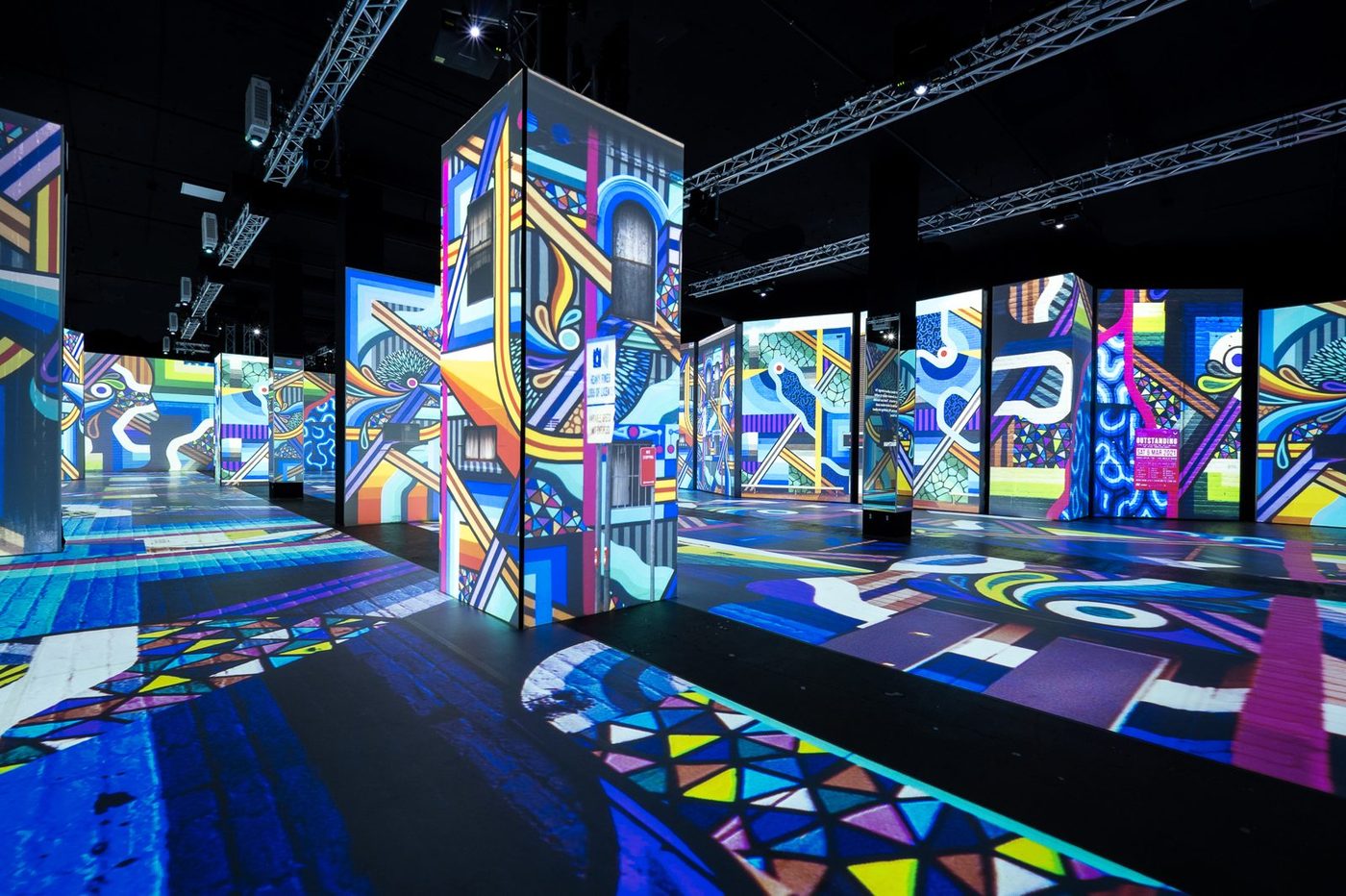
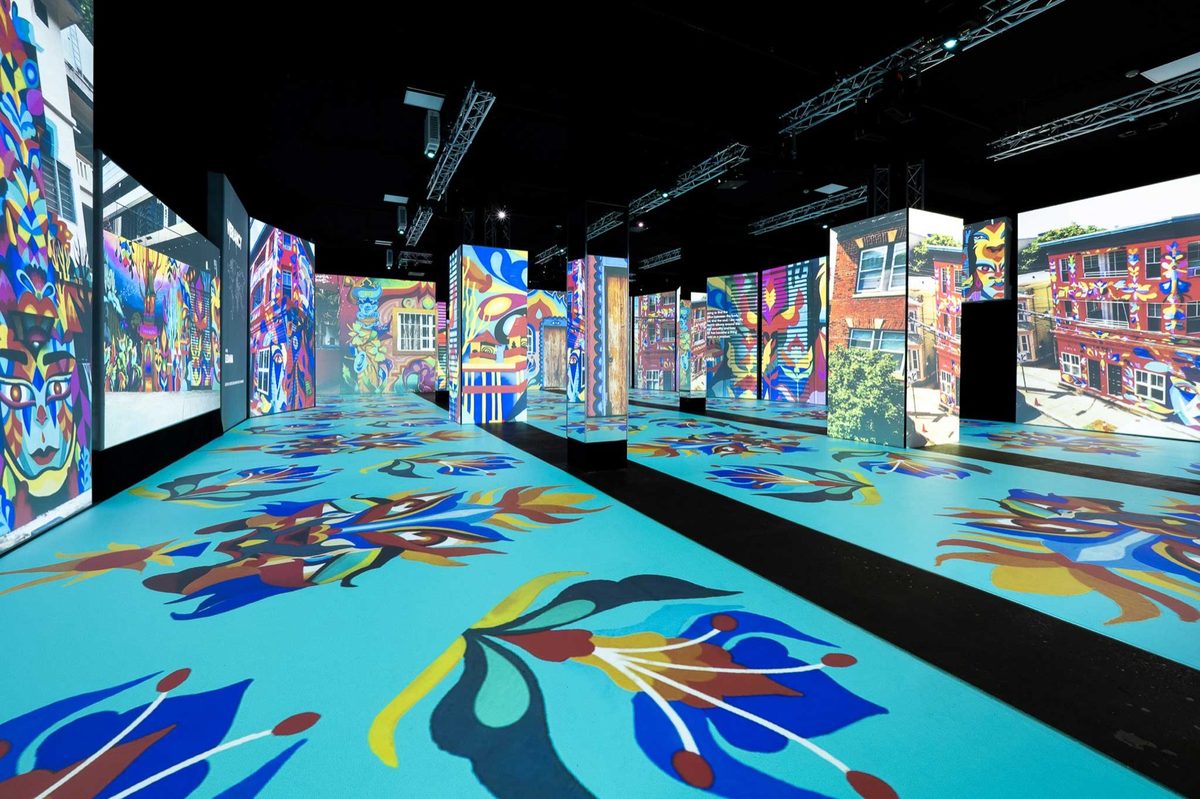
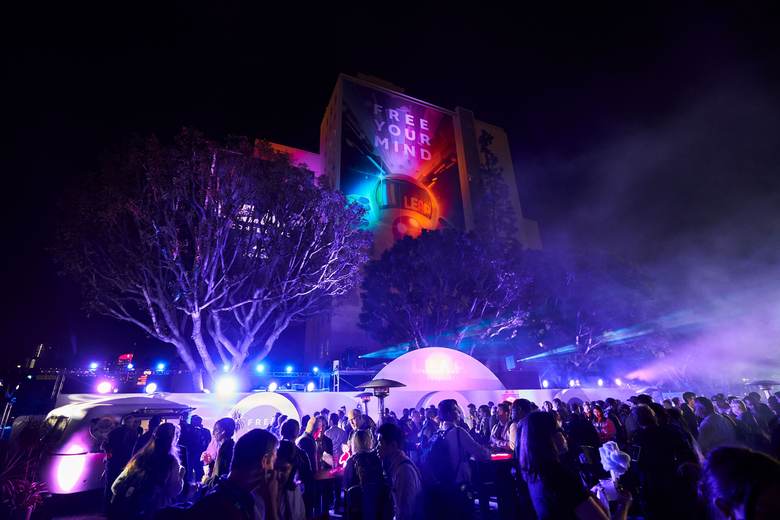
Green Box moved event scheduling, event work, inventory, and team coordination out of paper binders, Google Calendar, Outlook, and Dropbox. This is the order that move happens in.
Start with the Free plan · No credit card required
The move
Six stages, in this order
Tasks, inventory, workforce and invoices all hang off an event, and an event needs a date and a space, so the calendar goes first.
Before you start
Nothing imports itself
ShoSoft has no external calendar sync, so Google Calendar, iCal and Outlook stay where they are. There is no published bulk importer either. Your team builds the calendar and the events inside ShoSoft, which is why the order below matters, and why it is worth starting with the next six months rather than the whole history.
You set these up by hand
Your spaces, and the dates that fill them
Events, one at a time
Inventory items, workforce roles and rates
Files and contacts, uploaded to the event they belong to
These connect on their own
Stripe, on every plan, for ticket sales, deposits and payment requests
Guided onboarding and migration, included on Enterprise
Tasks, inventory, workforce and invoices, once the event exists
The dashboard, which reads from all of it
Want someone on the call while you do it? Get a demo and walk the first hour together. Guided onboarding and data migration are also available as a paid add-on on Essentials and Professional, and included on Enterprise. Compare plans.
Gather what you already have
Pull the next six months of dates out of the binder, the shared calendar and the spreadsheet. Add your list of spaces, your equipment list, your crew and what they cost. This is the real work, and it happens before anyone signs in.
Build the calendar
Create your spaces, then put the dates on them. Month, week and day views carry event status filters, and week and day views show room-level space allocation. The master calendar is on the Free plan, so this stage costs nothing.
Turn the dates into events
Each event opens into its own record with dates, spaces, people, files, status, and load-in and load-out times. Pick the self-produced workflow for shows you run, or the collaborative workflow for a producer's booking.
Add tasks, inventory and workforce
Load the equipment list as reusable and consumable items with quantities, categories and rates. Define workforce categories, roles and billing rates. Then attach both to the events you just built and put the run of show into tasks. Inventory and workforce start on Essentials, project management on Professional.
Move the money over
On Professional and Enterprise, a collaborative event's spaces, inventory, workforce and custom charges become quotes and invoices, with line items, balances, payments and deposits. Connect Stripe and the payment records land against the same event.
Bring the team in
Add the people who need to edit. Free carries one team member, Essentials two, Professional five plus unlimited view-only seats, Enterprise unlimited. Once everyone is in, close the old shared calendar and the old spreadsheet so there is one place to look.
BinderShared calendarSpreadsheet
06Your teamView-only seats
05QuotesInvoicesStripe
04TasksInventoryWorkforce
03Events
02SpacesDates
Stage by stage
What each stage looks like
Stage 02 · Calendar
The calendar goes in first
One live view of every event and space. Move from a venue-wide calendar to the details that matter without losing context.
Month, week, and day views with event status filters
Room-level space allocation in week and day views
Event details, assigned spaces, and load-in and load-out times in context
Keep event work out of memory and group chats. Teams can plan in board, calendar, or list views, then open the related event without hunting for context.
Board, calendar, and event-grouped list views
Due dates, five priority levels, assignees, notes, and attachments
Most venues can complete their initial setup in under an hour without an IT project.
A venue that already did it
“Using ShoSoft has allowed us to go from five tools to a single source of truth.”
Anna Faye Hunter, Director of Communications and Engagement Green Box, Green Mountain Falls, Colorado
15 hours
of admin cut every month
Green Box is a nonprofit arts organization. It moved event scheduling, event work, inventory, and team coordination out of paper binders, Google Calendar, Outlook, and Dropbox.
Frequently asked questions
Have something else in mind? We’d love to hear about your venue.
No. ShoSoft has no external calendar sync. The ShoSoft master calendar becomes the one your team works from, which is why building it is the first stage of the move. Leaving the old calendar in place and read-only for a few weeks is a reasonable way to let people let go of it.
ShoSoft does not publish a bulk import tool, so spaces and events are created inside the product. Load the next six months first, run a live event through ShoSoft, then backfill older bookings only if you need the history. Guided onboarding and data migration are available as paid add-ons if you want help moving your existing bookings across.
Most venues can complete their initial setup in under an hour without an IT project. The longer part is gathering your dates, spaces, gear and rates beforehand, which is what the checklist above is for.
Stripe, on every plan, which powers paid ticket and exhibitor storefronts plus producer payment and deposit requests. Ask our team about any other connections your venue needs.
Yes. ShoSoft states that customers can export their data at any time. Accounting also includes general ledger export for your bookkeeper.